Config API Gateway
Update Lambda function
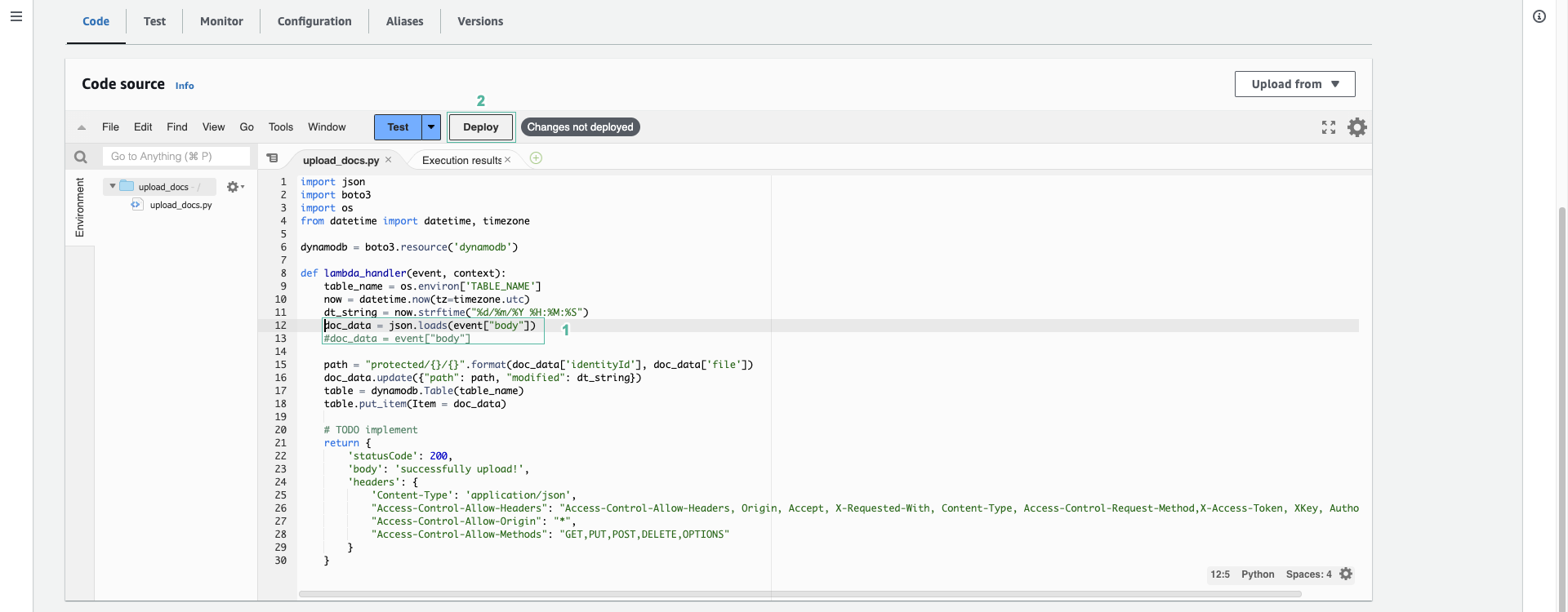
When API Gateway calls Lambda with Lambda proxy integration, the data sent by the user is in event["body"] as a JSON string. That is why we need to update the upload_document function to convert this string into data before writing it to DynamoDB.
- Open the AWS Lambda console.
- Select the upload_document function.
- In the lambda_function.py file, uncomment the line
doc_data = json.loads(event["body"])and comment the linedoc_data = event["body"]
    doc_data = json.loads(event["body"])
    #doc_data = event["body"]
- Click Deploy
Config API Gateway
- Open the Amazon API Gateway console
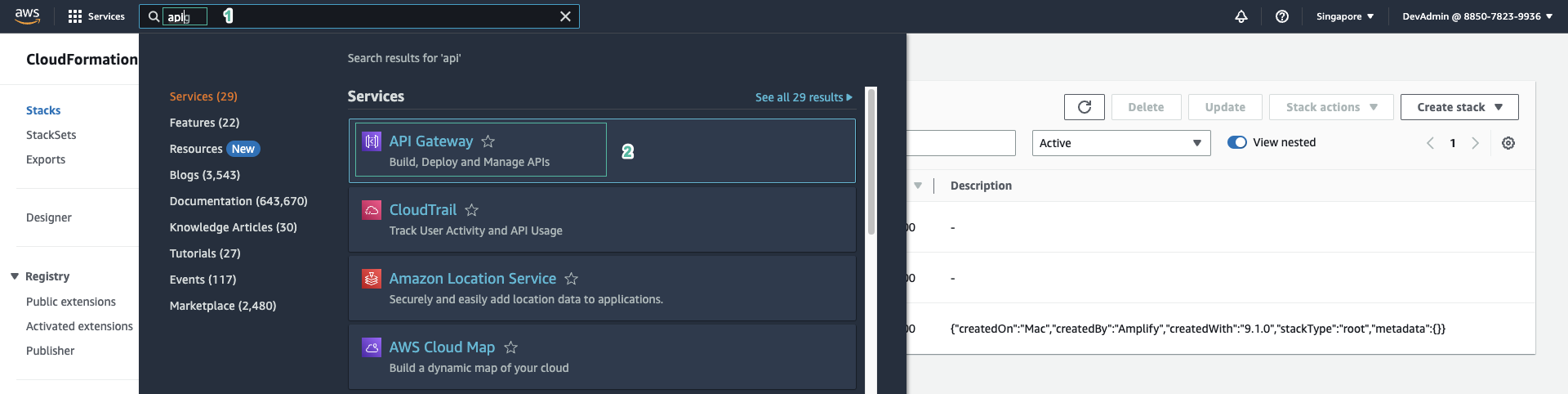
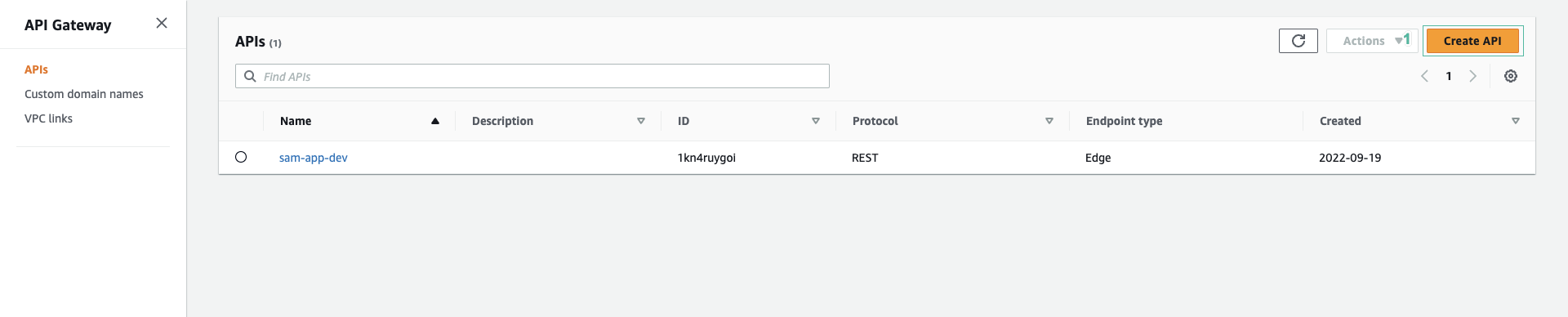
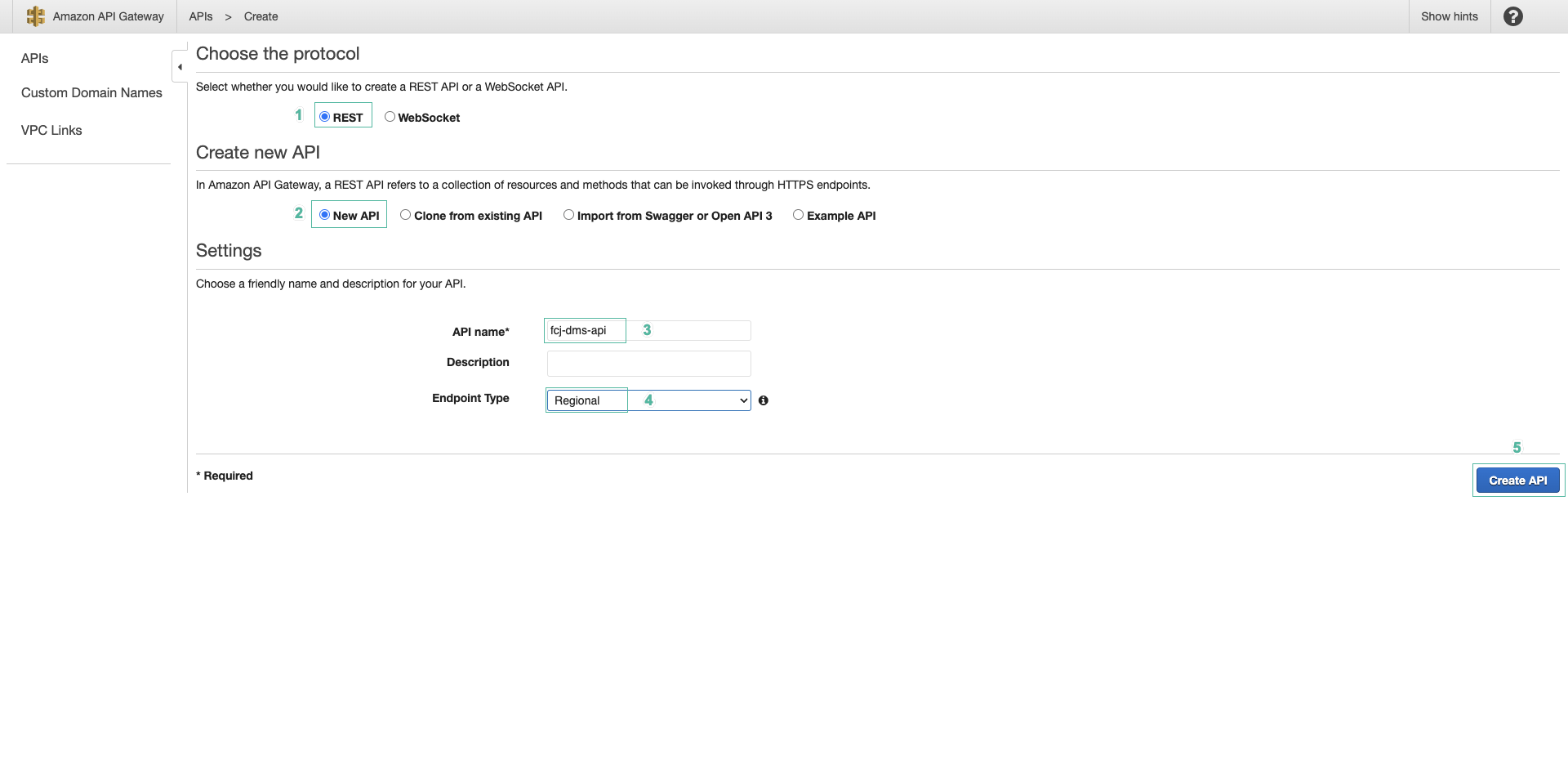
- Click Create API
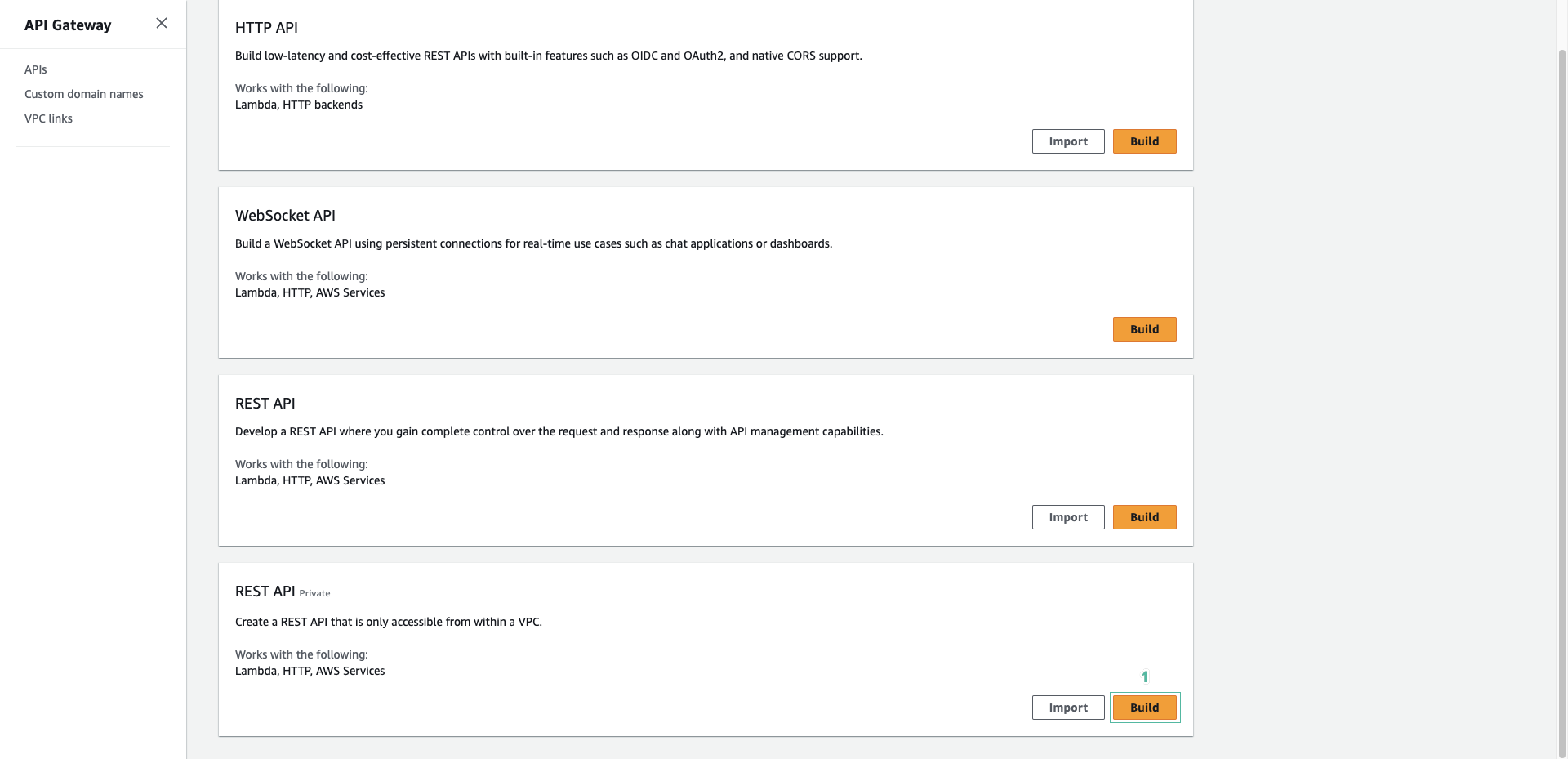
- Scroll down to REST API, click Build
- Configure the API as follows:
- Select New API
- Enter a name for the API:
fcaj-dms-api - Select Regional for API endpoint type
- Click Create API
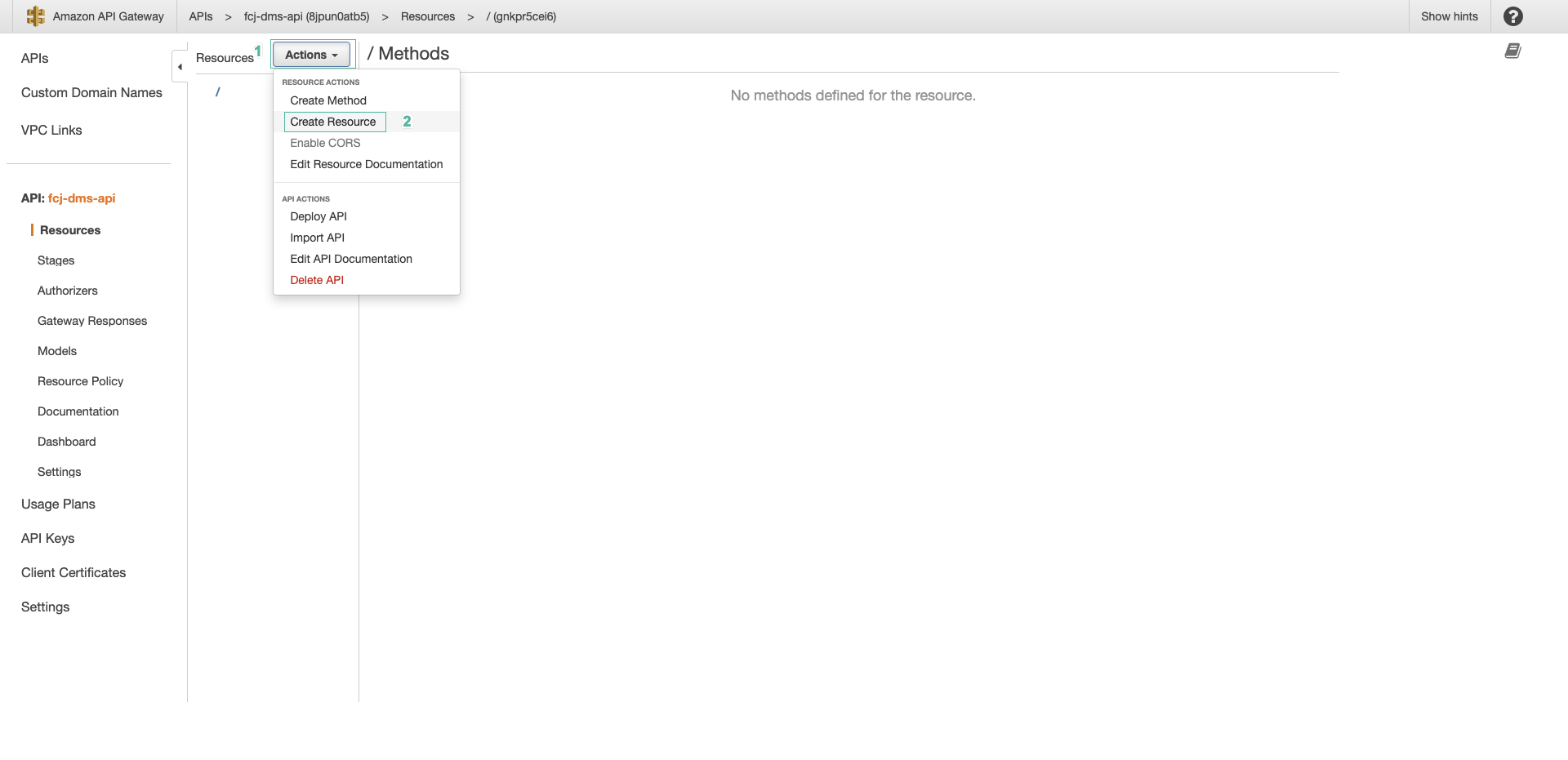
- After the API is created, click Create resource to create a resource for the API.
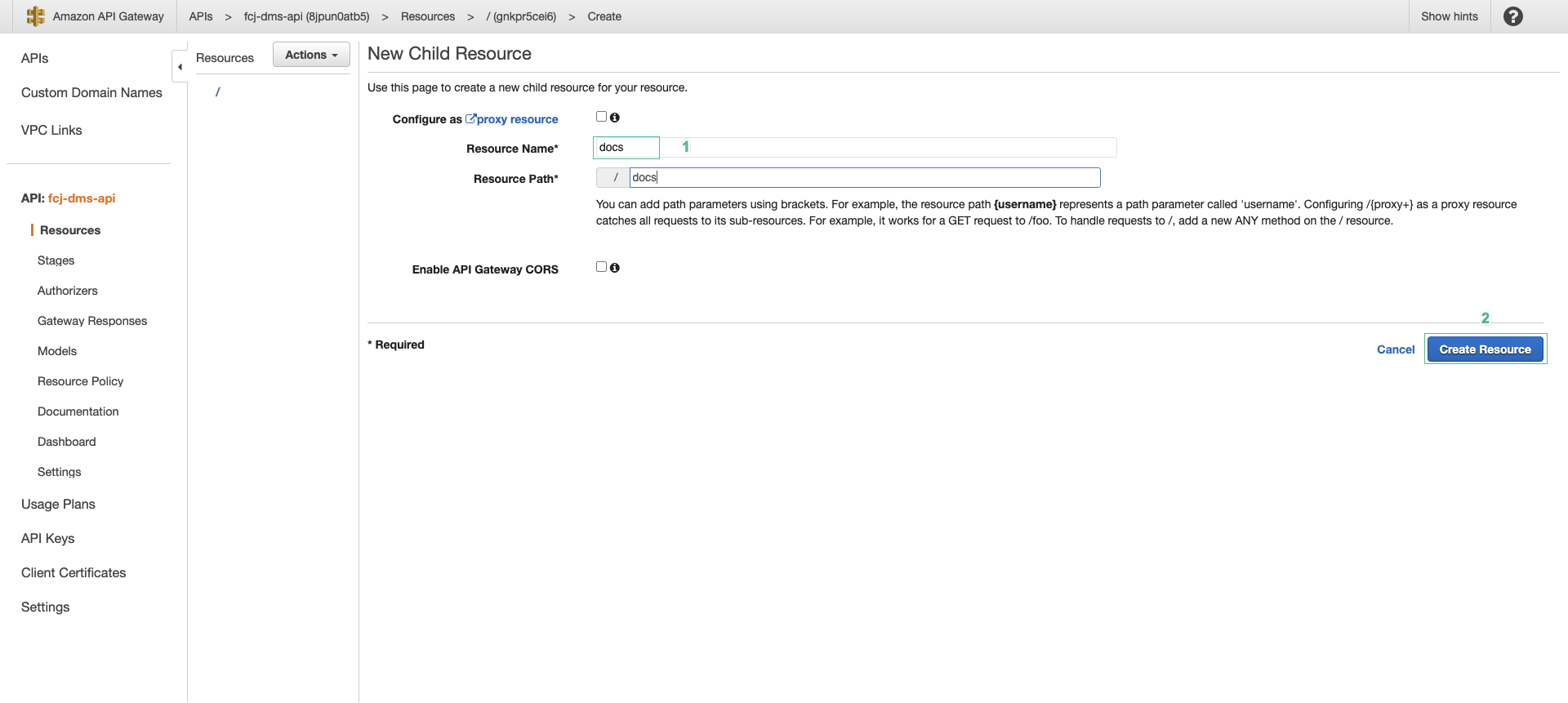
- Enter a name for the resource:
docs - Click Create resource
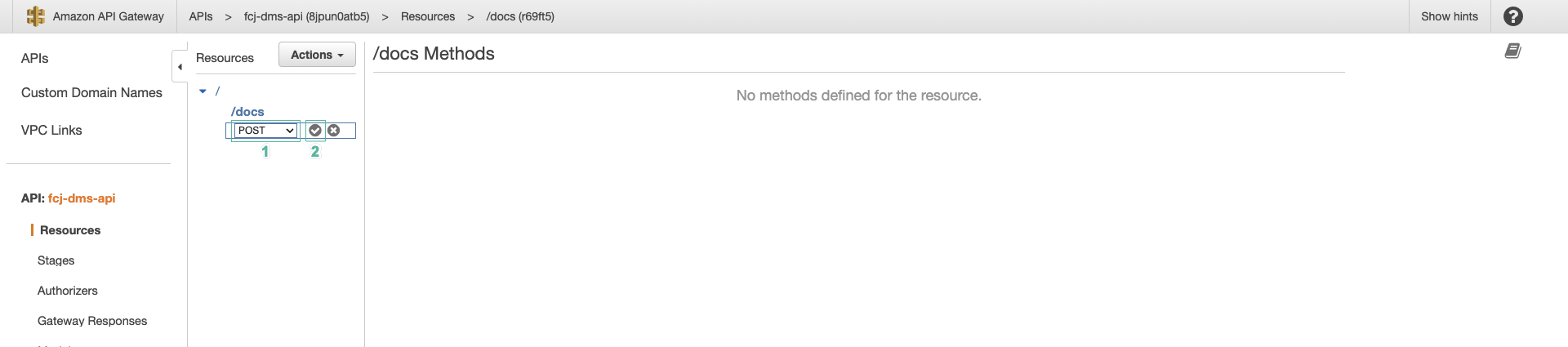
- Select the /docs resource, then click Create method

- Configure the method as follows:
- Select POST for Method type
- Select Lambda function for Integration type
- Turn on Lambda proxy integration
- Select the
ap-southeast-1region and the upload_document function - Finally, click Create method
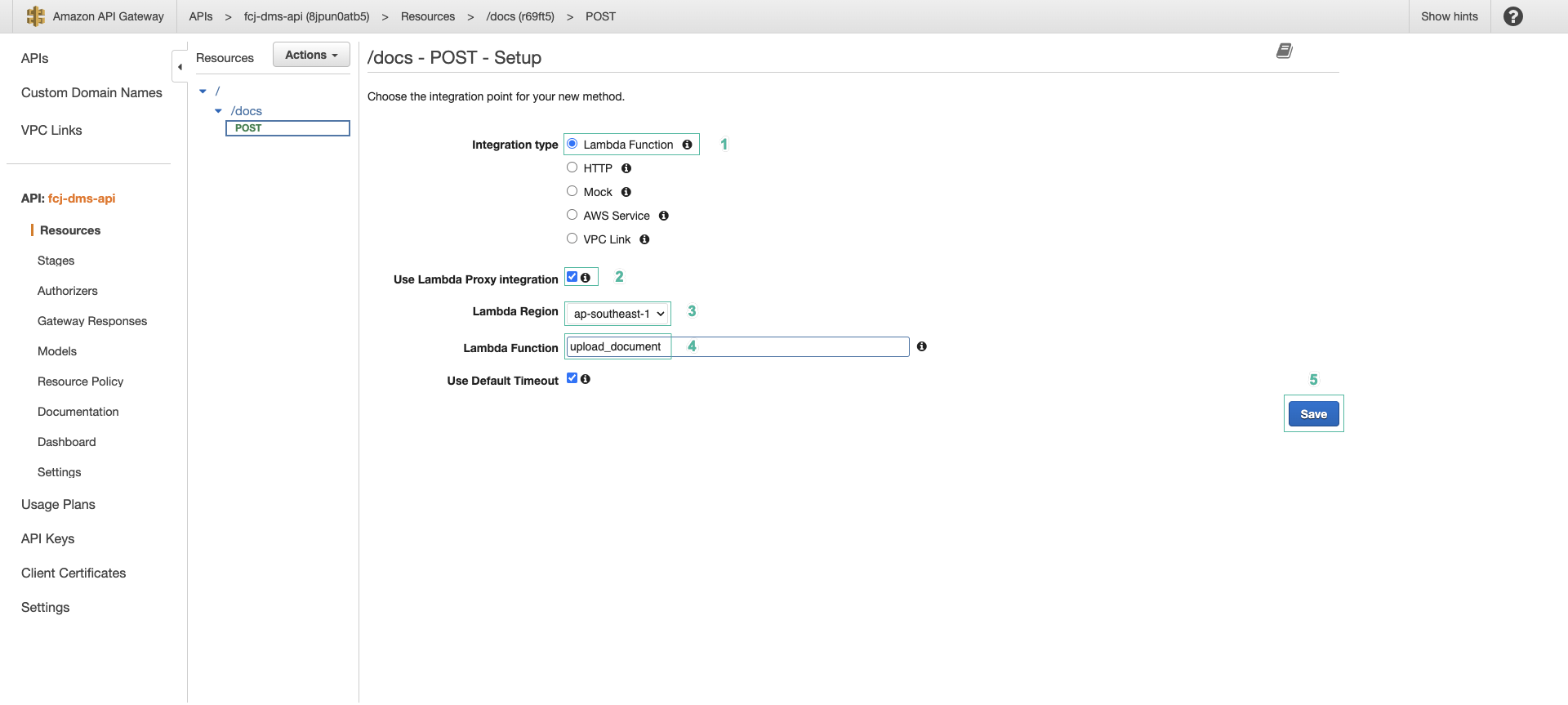
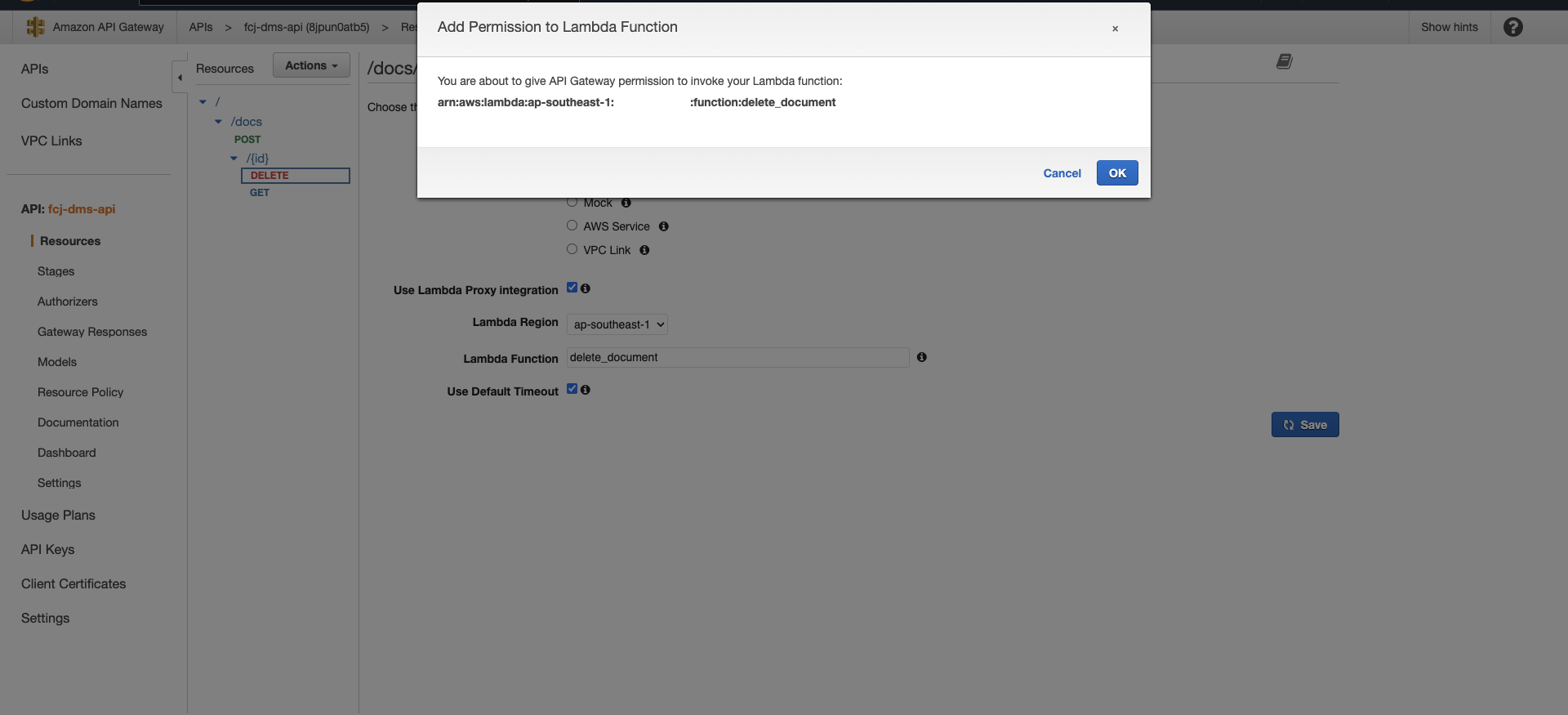
When you create the method, API Gateway automatically adds the permission that allows the API to invoke the Lambda function.
- Select the /docs resource, then click Create resource to create the next resource.
- Enter a name for the resource:
{id} - Click Create resource

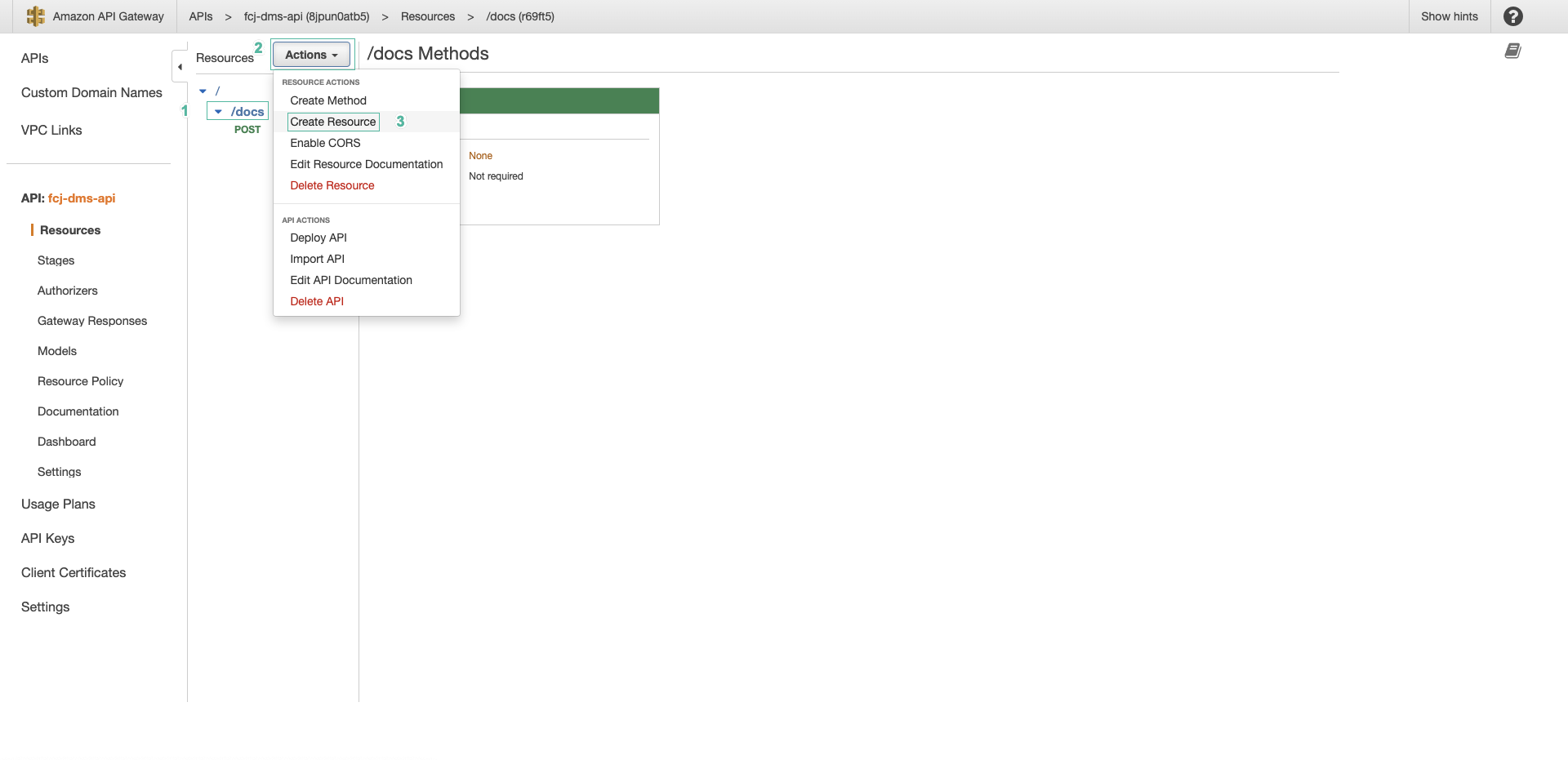
- Select the /docs/{id} resource, click Create method and configure the method as follows:
- Select GET for Method type
- Select Lambda function for Integration type
- Turn on Lambda proxy integration
- Select the
ap-southeast-1region and the list_documents function - Finally, click Create method
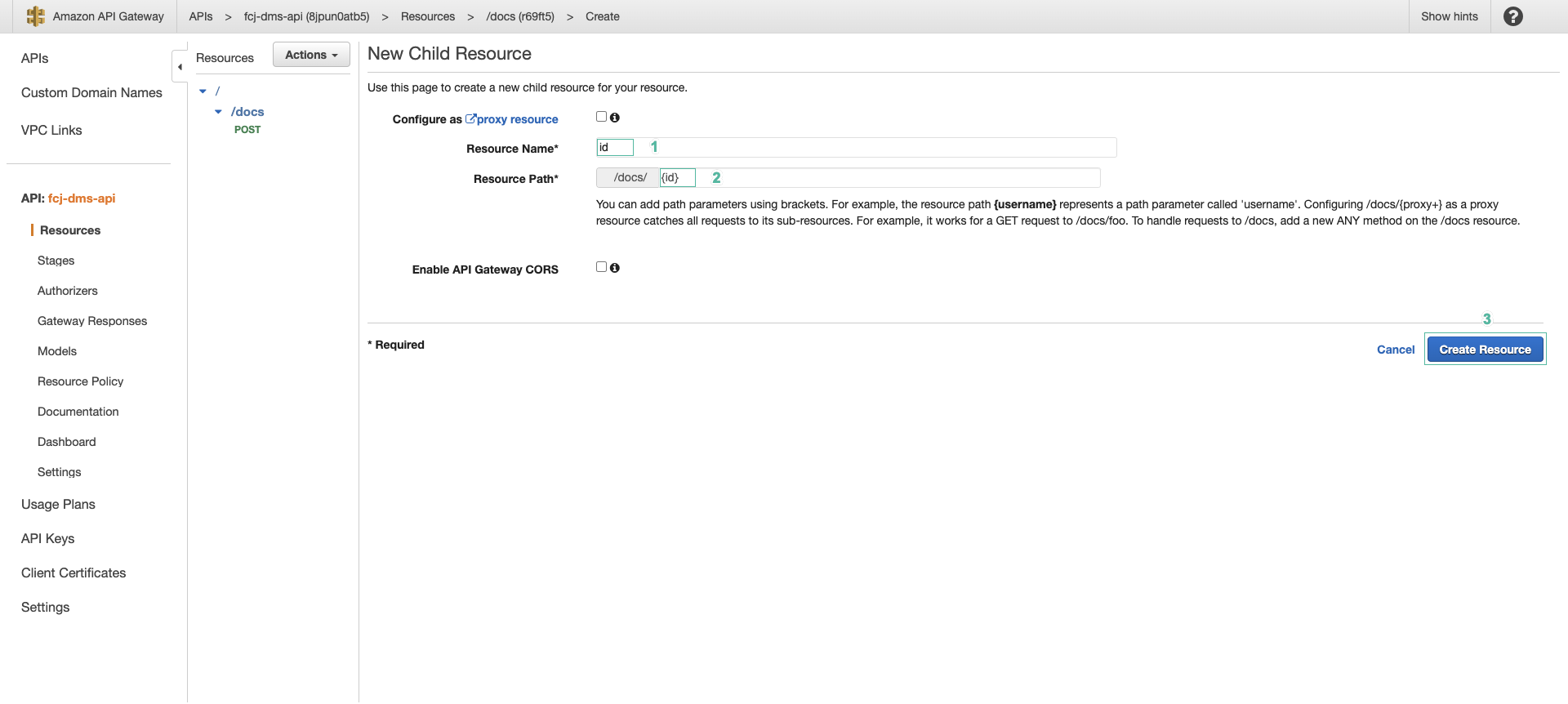
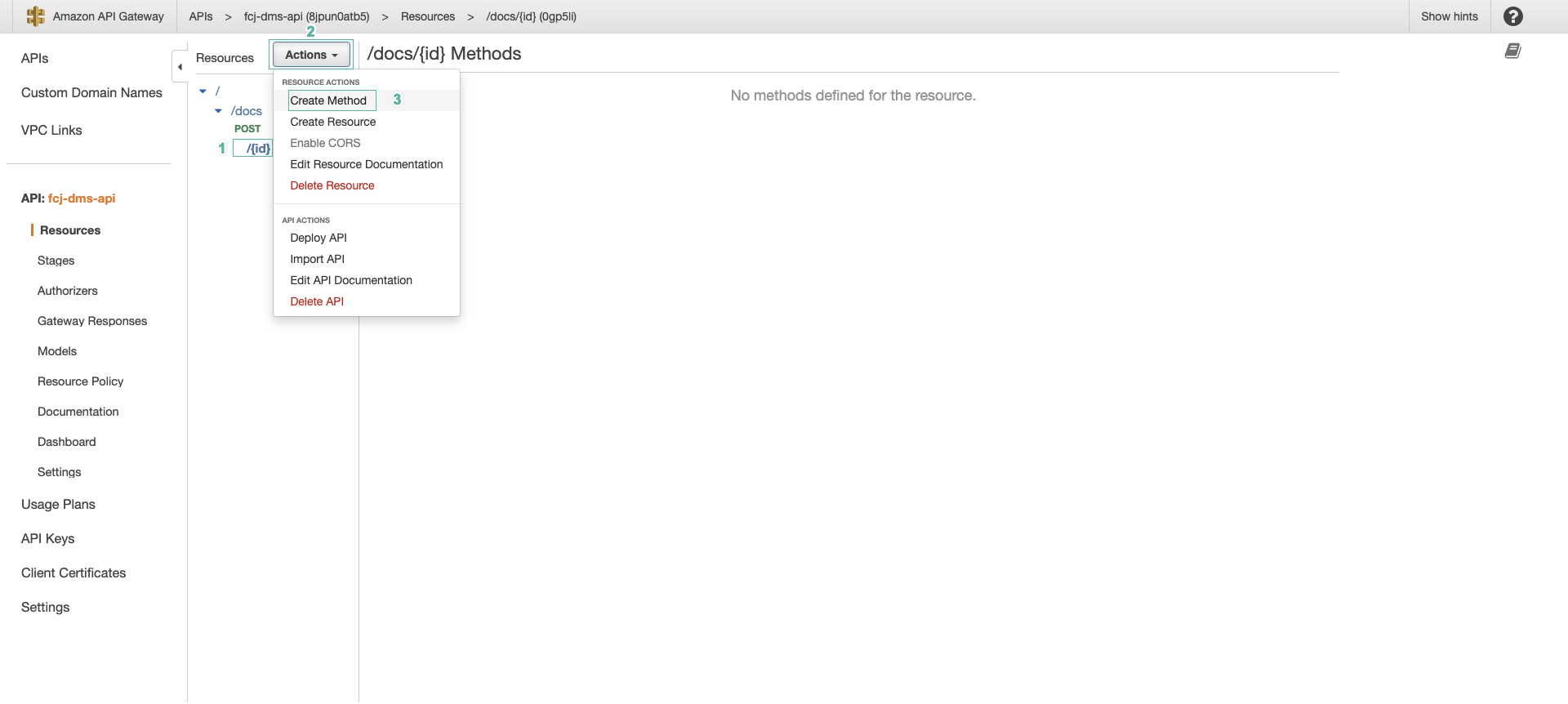
- Select the /docs/{id} resource, click Create method and configure the method as follows:
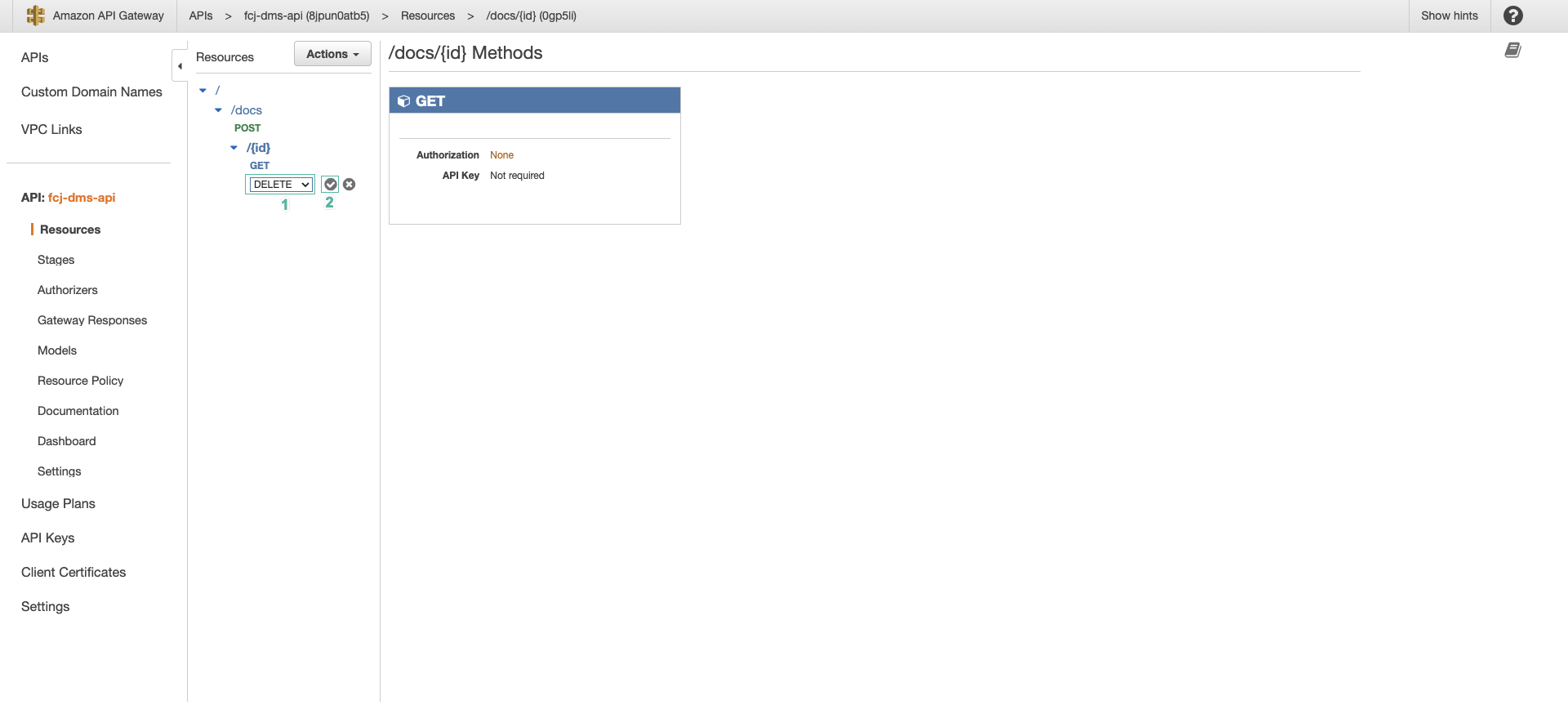
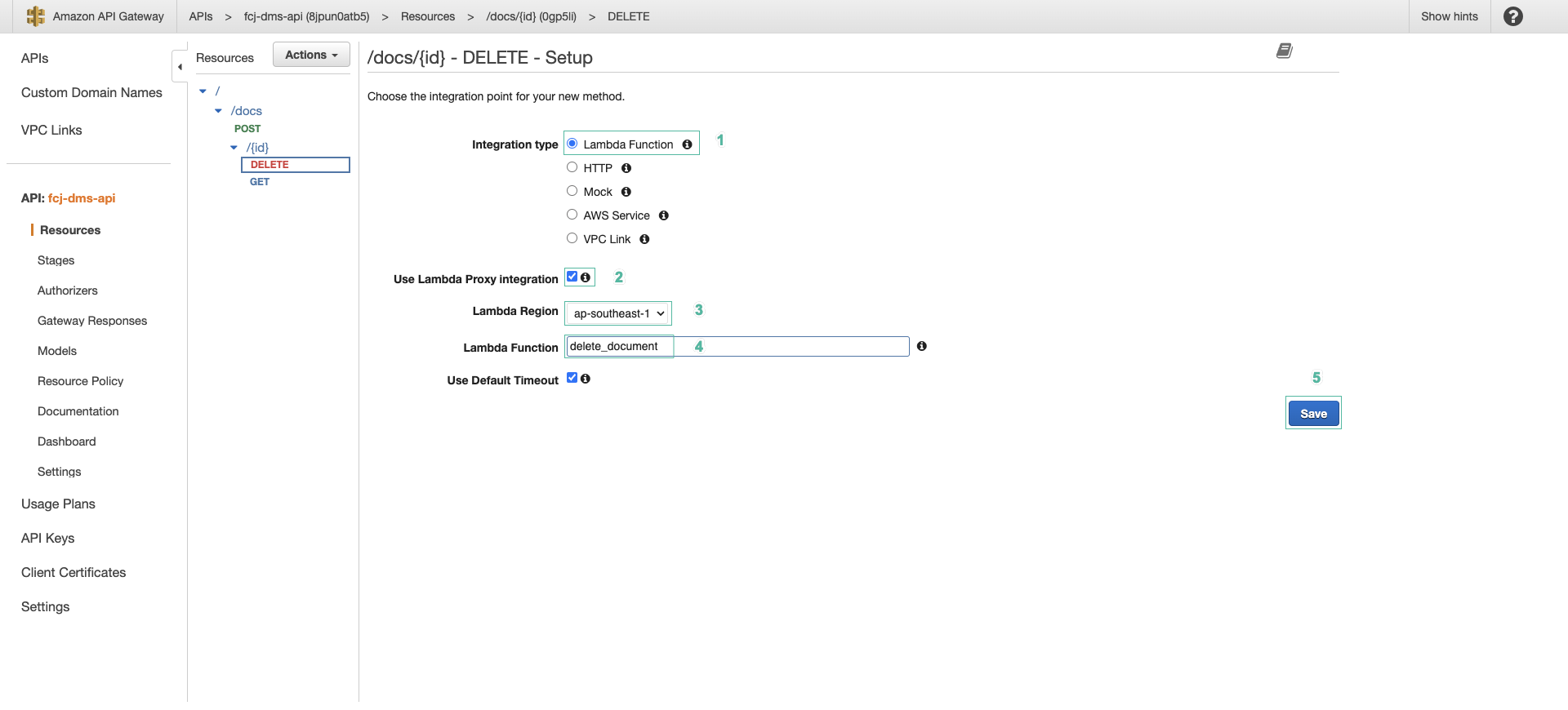
- Select DELETE for Method type
- Select Lambda function for Integration type
- Turn on Lambda proxy integration
- Select the
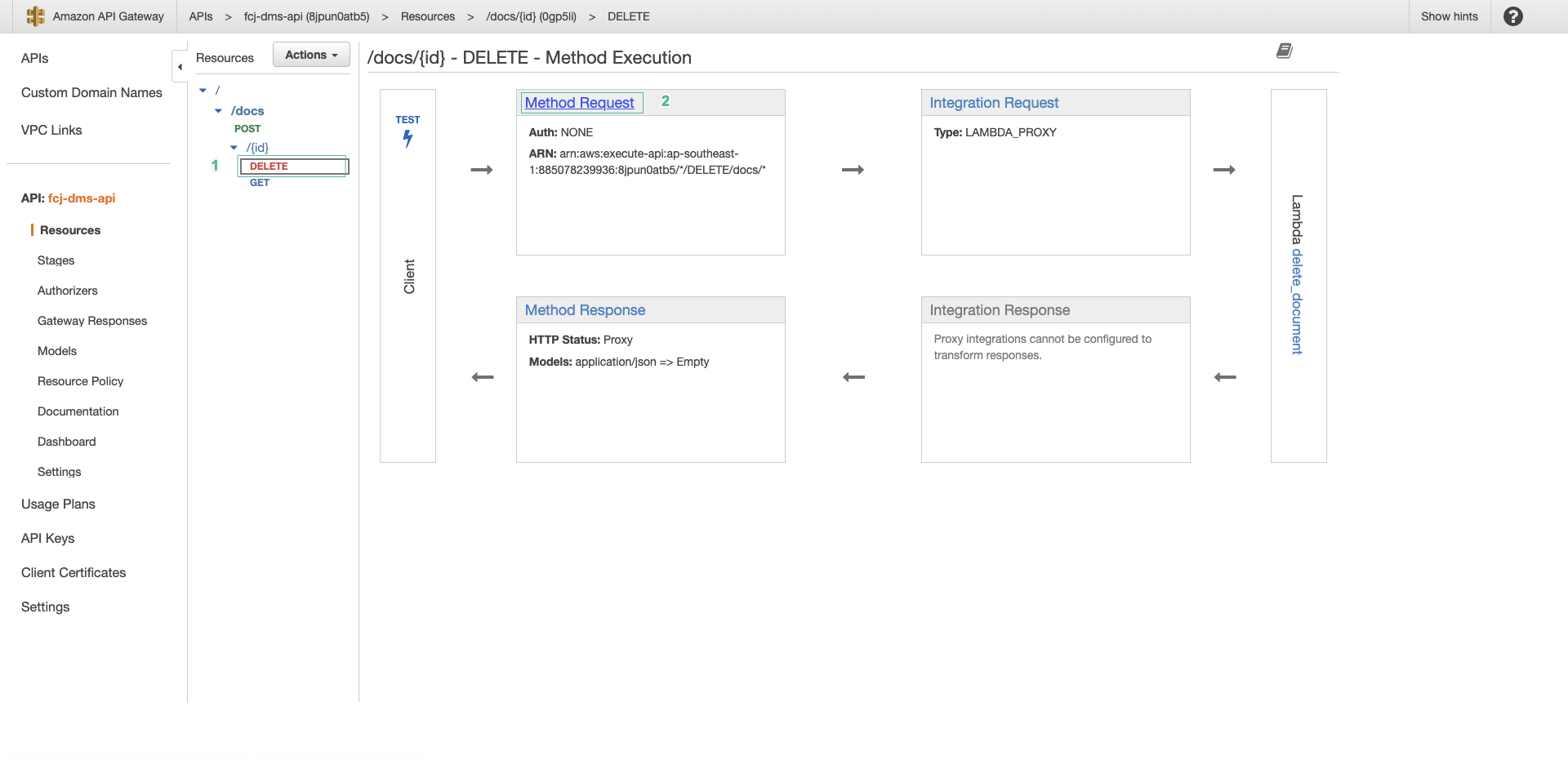
ap-southeast-1region and the delete_document function - Finally, click Create method
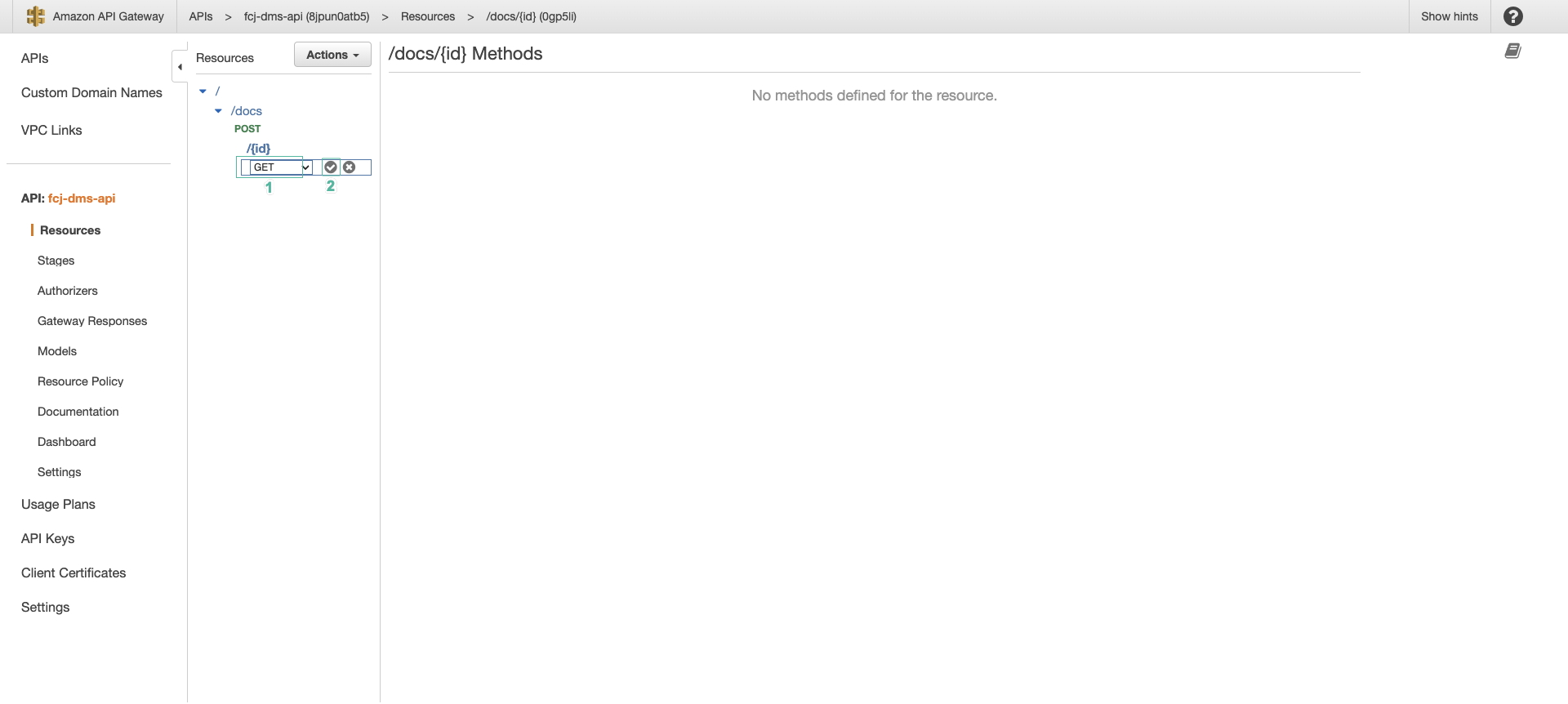
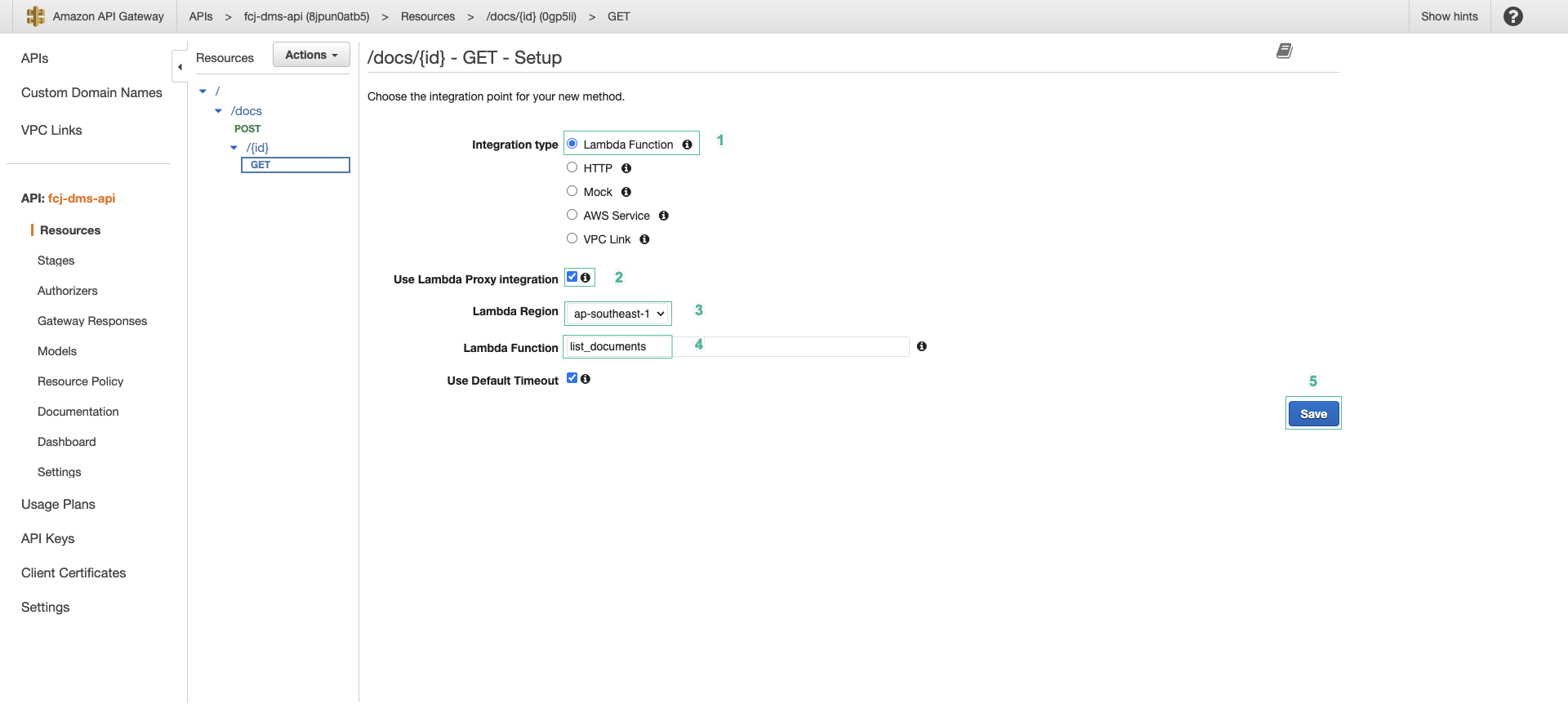
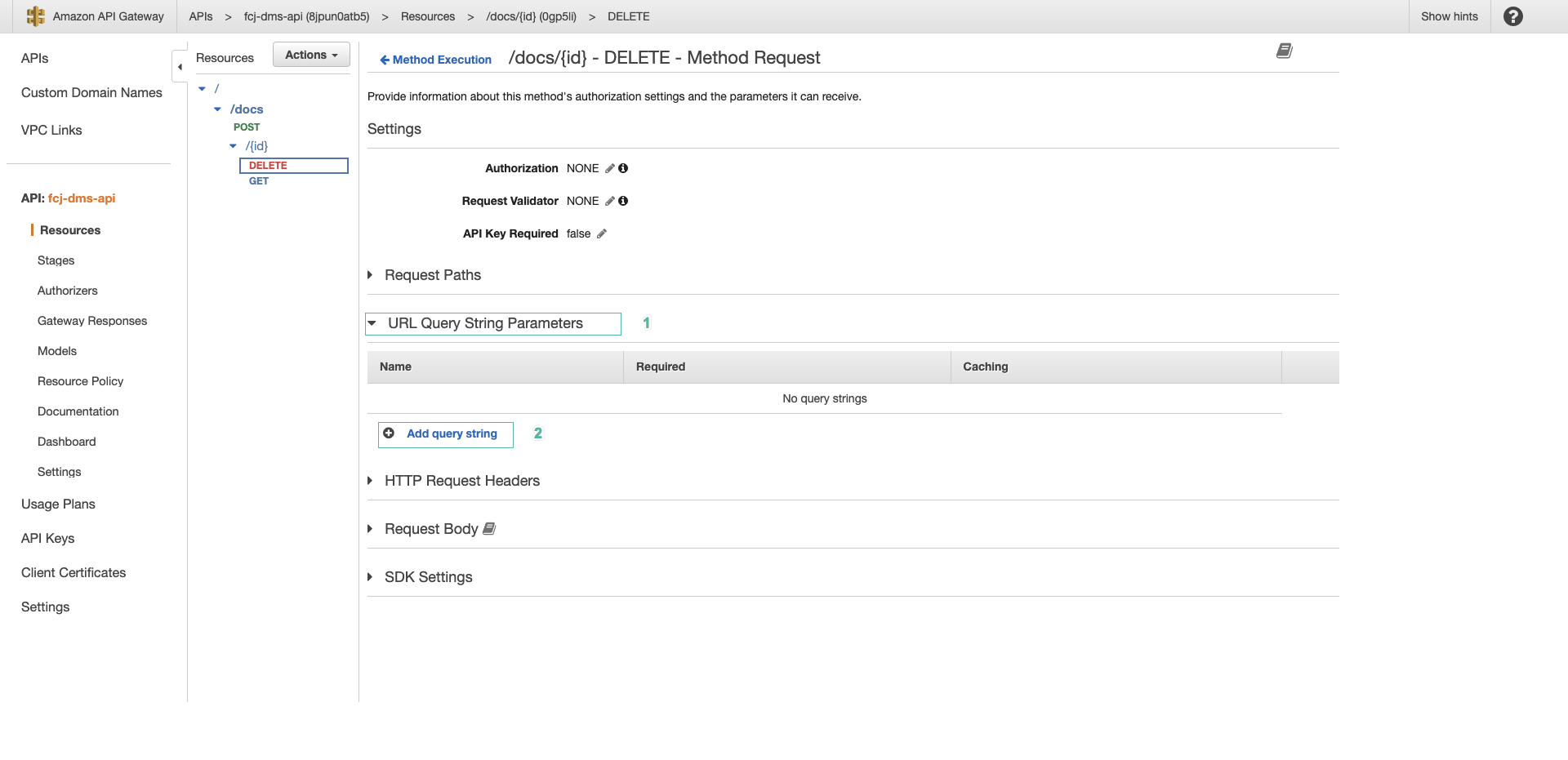
- Select the DELETE method of the /docs/{id} resource, select the Method request tab, then click Edit
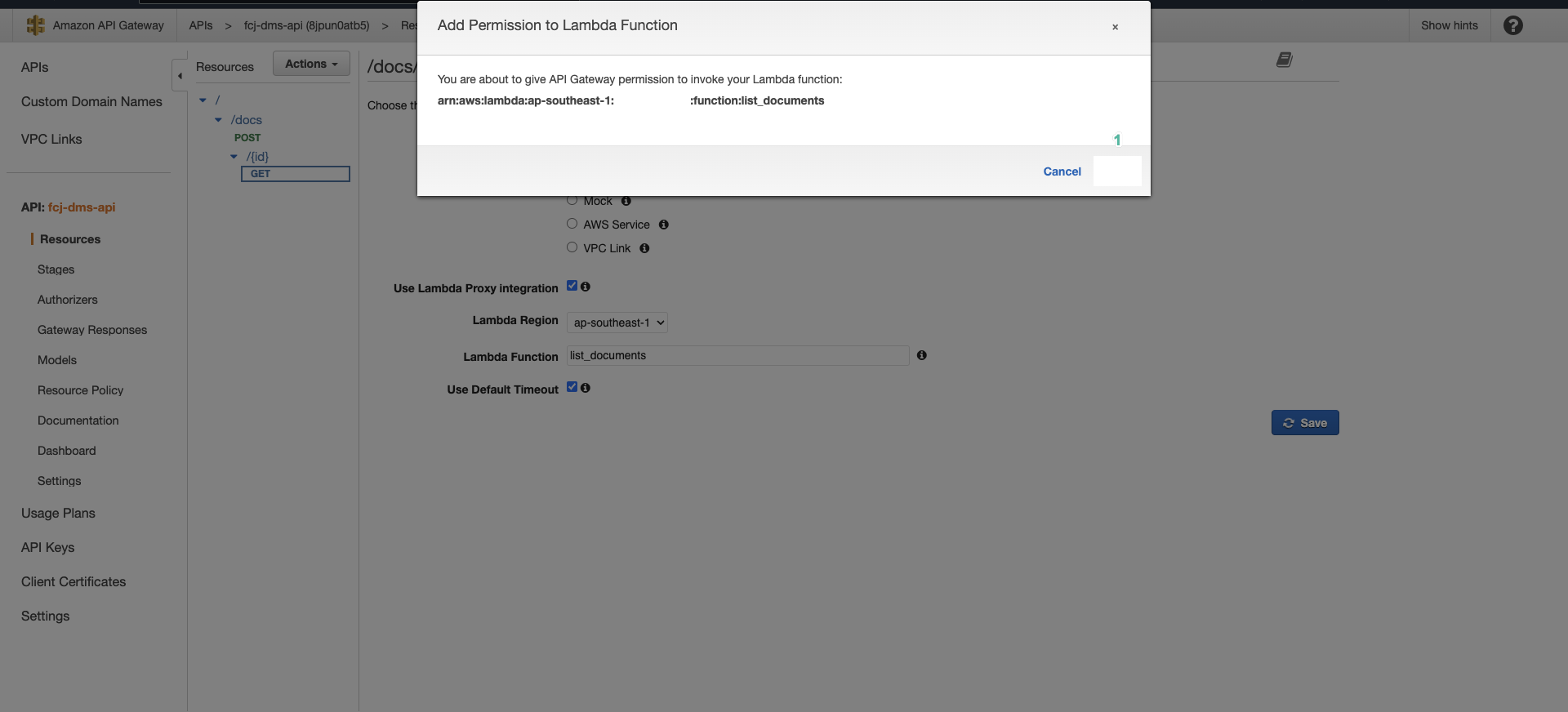
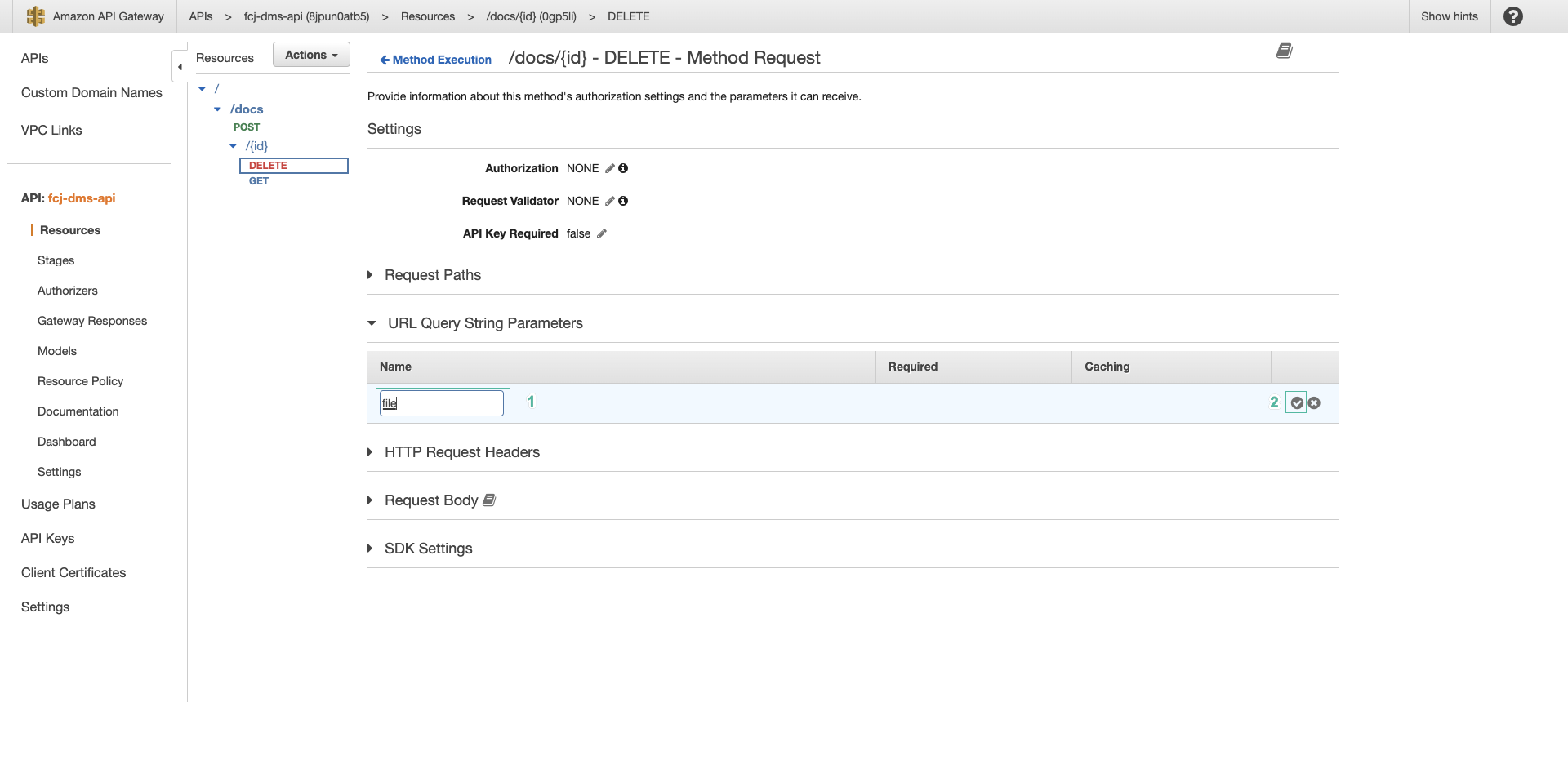
- Expand URL query string parameters, click Add query string to add a new parameter
- Enter the parameter name:
file. This parameter holds the name of the file you want to delete. - Click Save
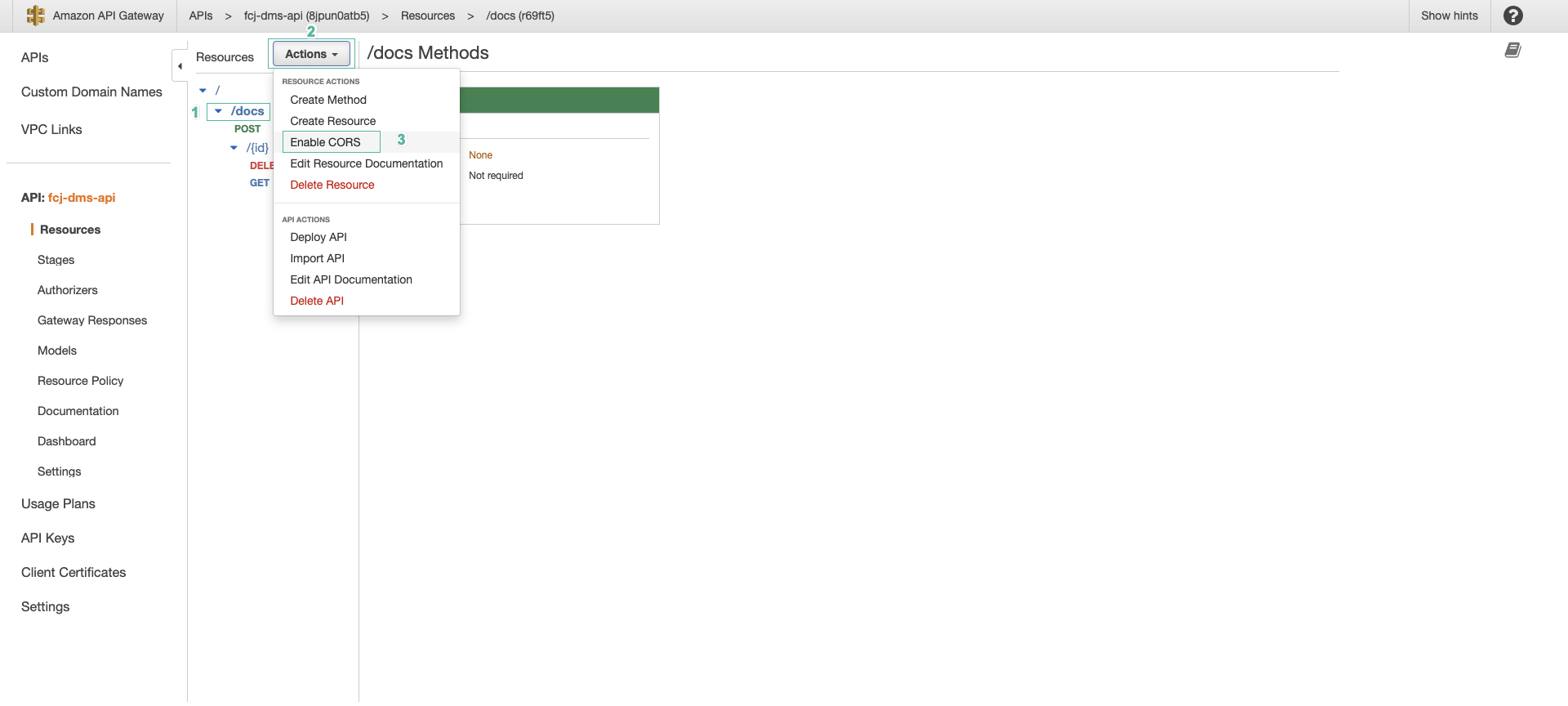
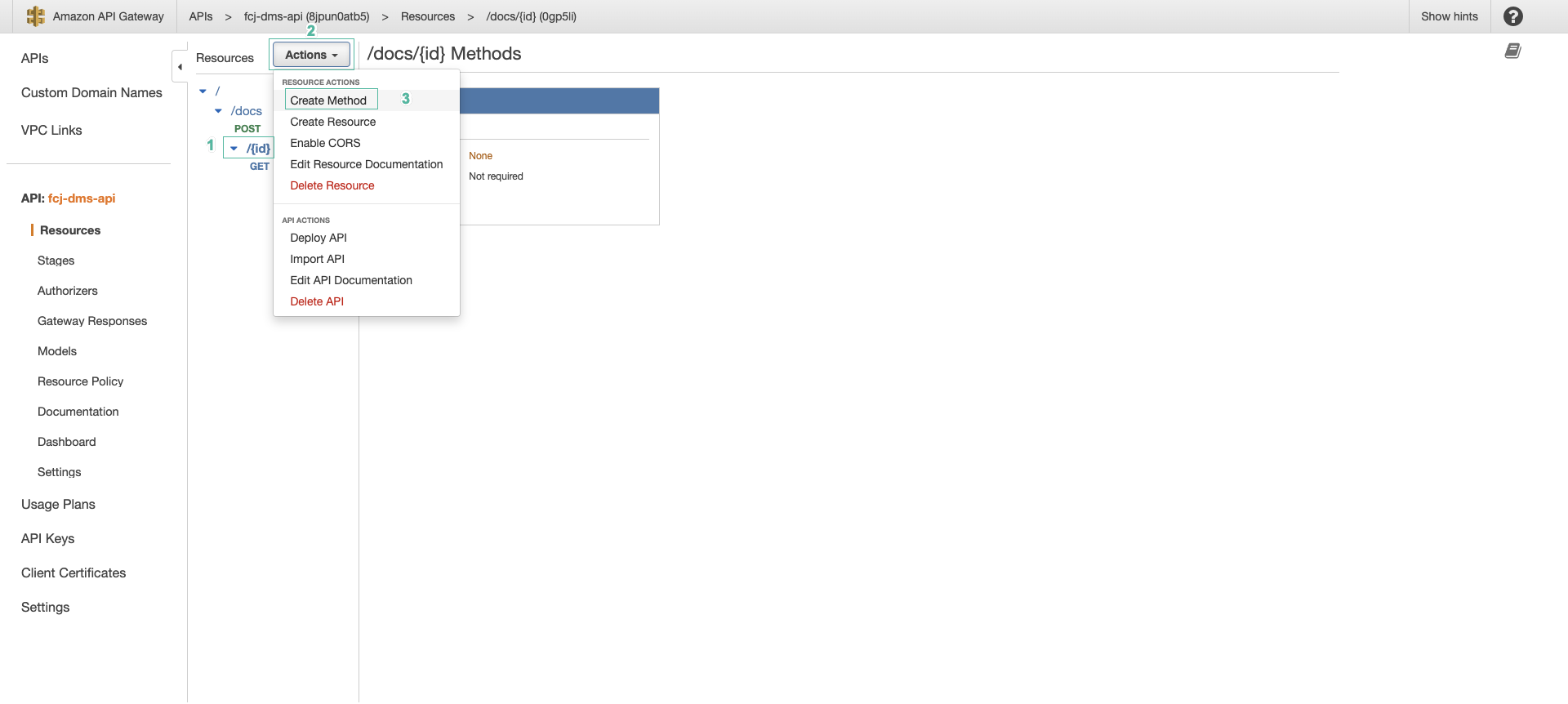 13. Select the /docs resource, then click Enable CORS
- Configure CORS as follows:
- In Access-Control-Allow-Methods, check POST
- Keep the default Access-Control-Allow-Headers and Access-Control-Allow-Origin as
* - Click Save
- Do the same to enable CORS for the /docs/{id} resource
- Select the /docs/{id} resource, then click Enable CORS
- In Access-Control-Allow-Methods, check GET and DELETE
- Click Save
Enable CORS creates an OPTIONS method so that the browser can check before sending the request. The default value of Access-Control-Allow-Headers already includes Authorization, which is the header the application sends with every request. For GET, POST and DELETE requests, the CORS headers are returned by the Lambda functions you wrote in workshop 133.
- After finishing the configuration, we deploy the API. Click Deploy API
- Select New stage for Stage
- Enter a name for the stage:
dev - Click Deploy
- On the Stages page, select the dev stage and note down the Invoke URL for the next section.
From the Invoke URL, you get the URLs of the APIs as follows:
| Method | URL | Lambda function |
|---|---|---|
| POST | <Invoke URL>/docs | upload_document |
| GET | <Invoke URL>/docs/{id} | list_documents |
| DELETE | <Invoke URL>/docs/{id}?file=<file name> | delete_document |
The API is not protected by authentication yet, anyone with the URL can call it. The application already sends the Cognito token in the Authorization header, we will protect the API in the next workshops.
You have finished configuring the API. Next, we will test the API and integrate it into our application.